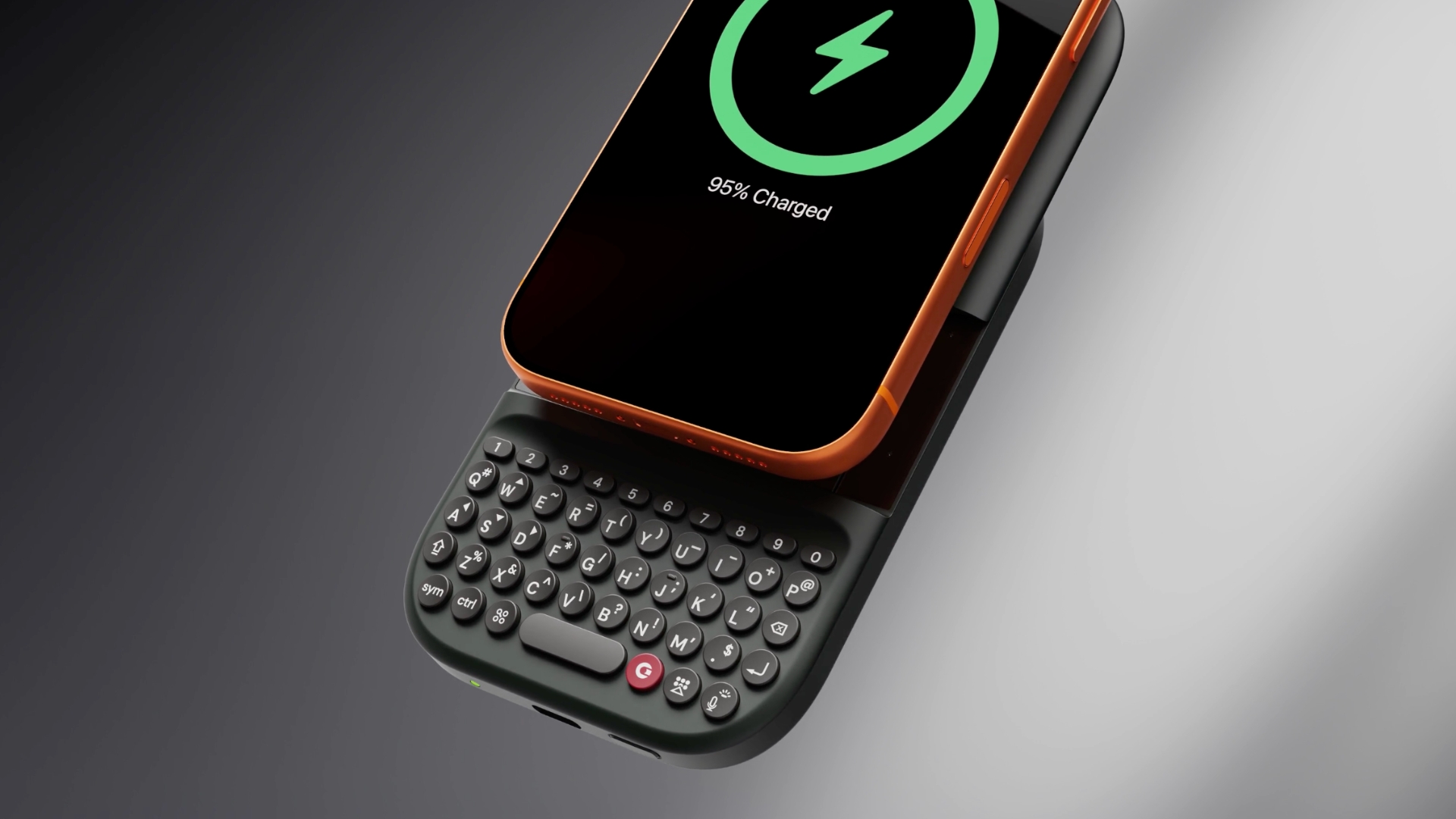
LONDON, Jan. 02, 2026 (GLOBE NEWSWIRE) -- Clicks Technology today announced Clicks Power Keyboard, a compact keyboard designed to bring fast, confident typing to smart devices plagued by slow, awkward, or frustrating input.
As phones, tablets, TVs, and headsets have gotten smarter, the way people interact with technology hasn’t kept pace. Touchscreens, remotes, and virtual keyboards leave users struggling to type, search, and respond when it matters most. Clicks Power Keyboard addresses that gap with a premium typing experience that helps people use their technology with greater purpose and intention.
Clicks Power Keyboard is available to pre-order for $79 USD with availability in the Spring.
Smart Devices Need Smarter Input
Input today often means fighting interfaces that were never designed for speed or precision.
“Whether you’re typing on a phone, entering a password on a smart TV, or trying to work on a tablet, input today is slow, cumbersome, and frustrating,” said Kevin Michaluk, President and co-founder of Clicks. “Power Keyboard brings a consistent, confident typing experience to all your smart devices, in a compact keyboard you can take anywhere in your pocket.”
The success of the Clicks Keyboard case for iPhone, Pixel, and Motorola Razr demonstrated strong demand for tactile input on modern devices, with more than 100,000 units shipped globally despite supporting a handful of popular smartphone models. Clicks Power Keyboard builds on that momentum, extending physical input to a far broader ecosystem of devices, including hundreds of millions of iPhone and Android smartphones, tablets, smart TVs, headsets, and connected screens.
Extending the Capabilities of Smartphones
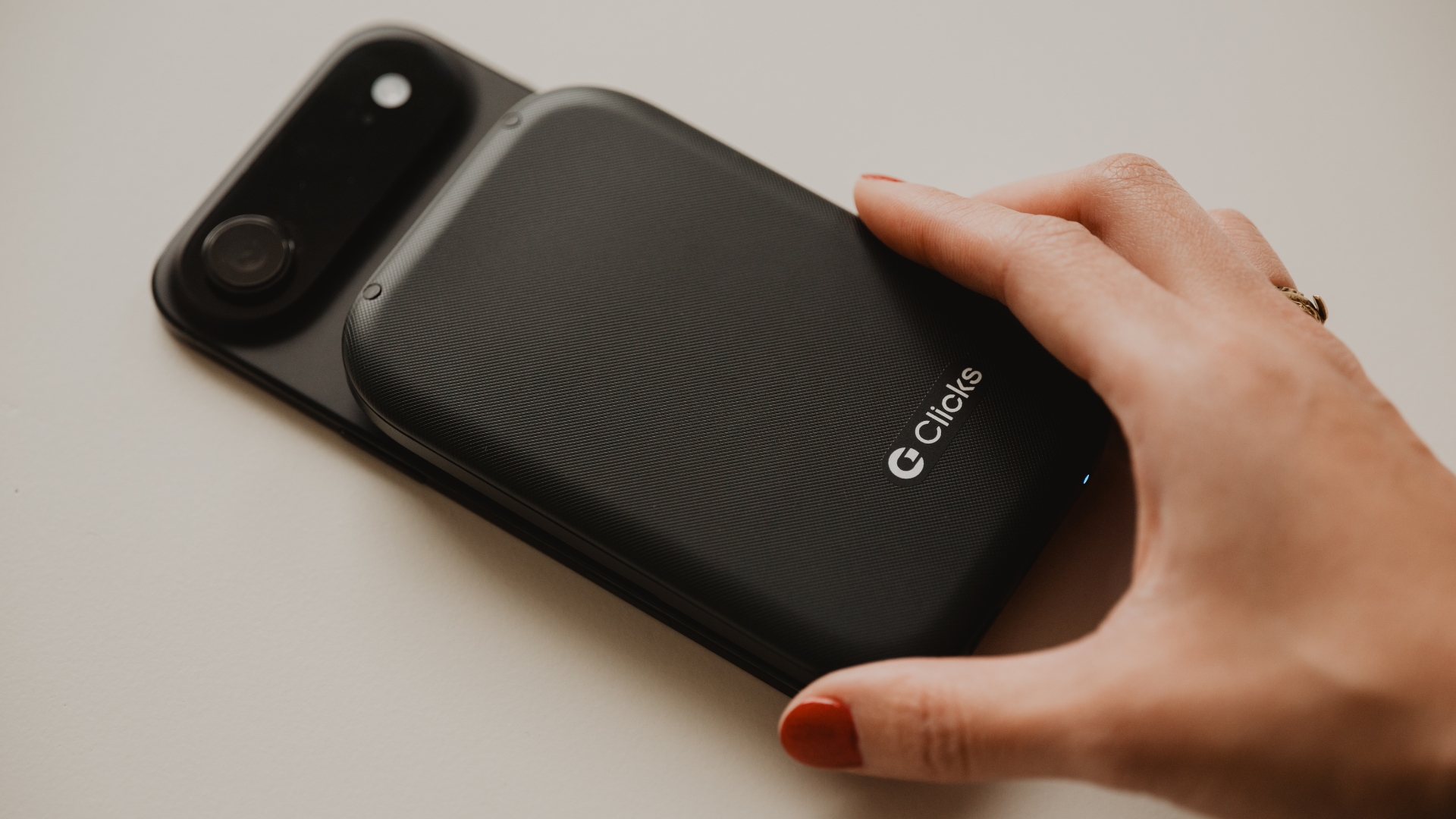
Clicks Power Keyboard attaches to smartphones using a strong MagSafe or Qi2 magnetic connection and can be used with existing cases.
By moving typing off the touchscreen, Power Keyboard frees up valuable screen space normally consumed by on-screen keyboards. Familiar keyboard shortcuts supported by iOS and Android carry over seamlessly, making it easier to launch apps, navigate interfaces, and respond quickly on the go.
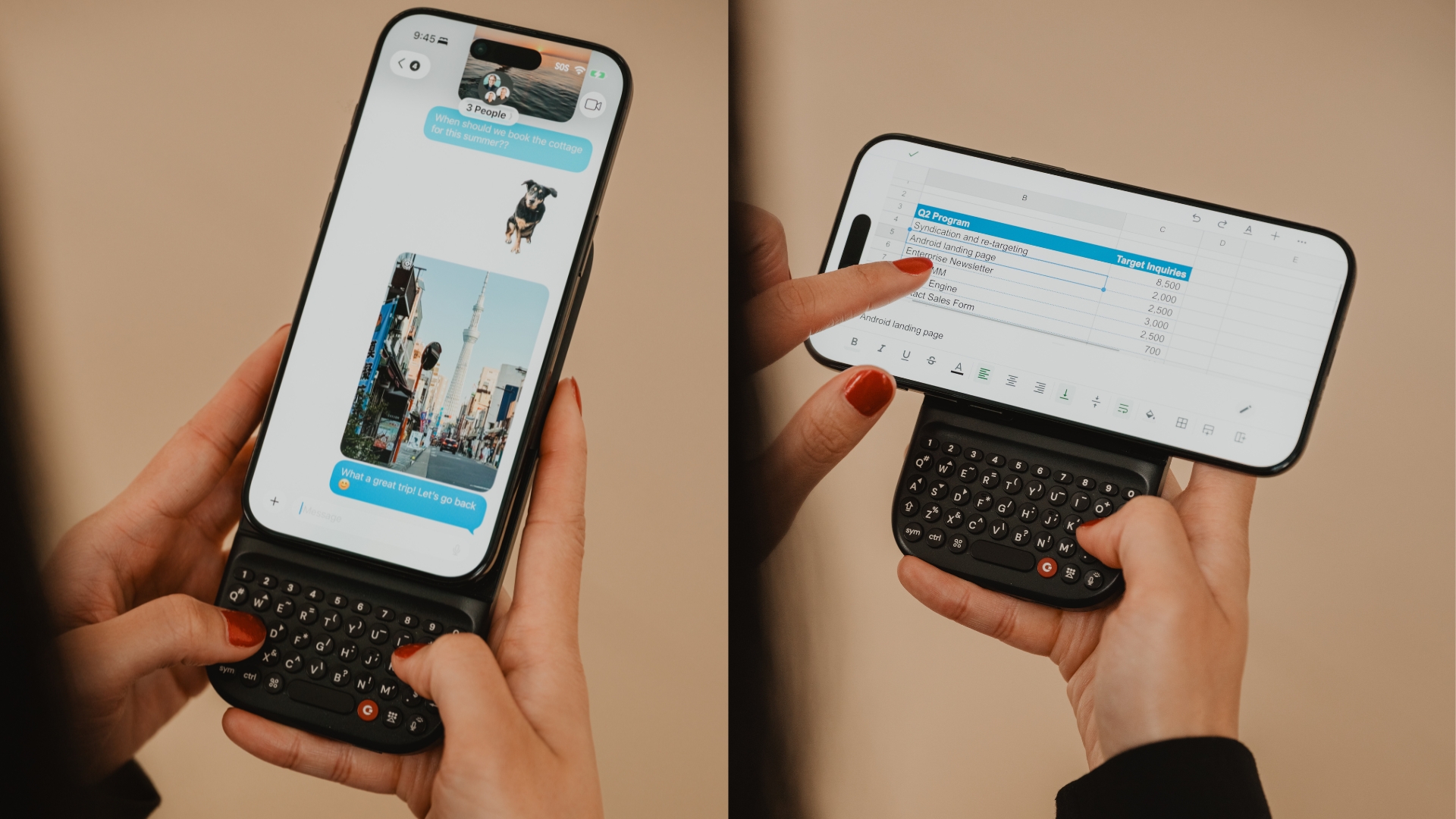
Multiple slider positions allow the compact keyboard to adjust to different phone sizes, from standard models to large “Ultra” and “Pro Max” devices, while landscape rotation enables more comfortable editing of documents, spreadsheets, and emails.
One Keyboard for Tablets, TVs, and AR/VR
Power Keyboard is designed to work wherever text fields appear.
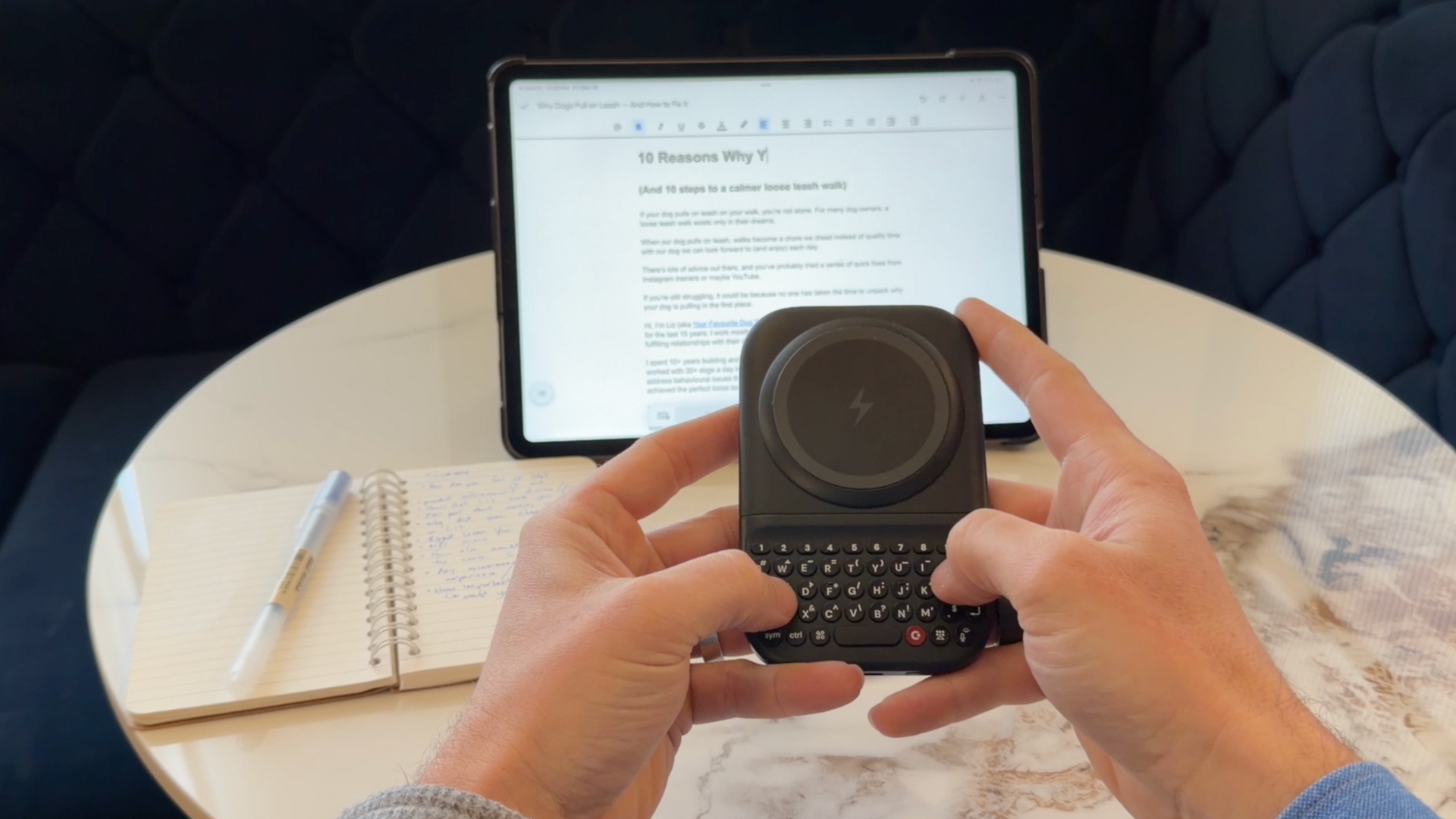
Paired with a tablet, it provides a practical typing solution without the bulk of a full-size keyboard, ideal for working on a plane, at a café, or in-class.
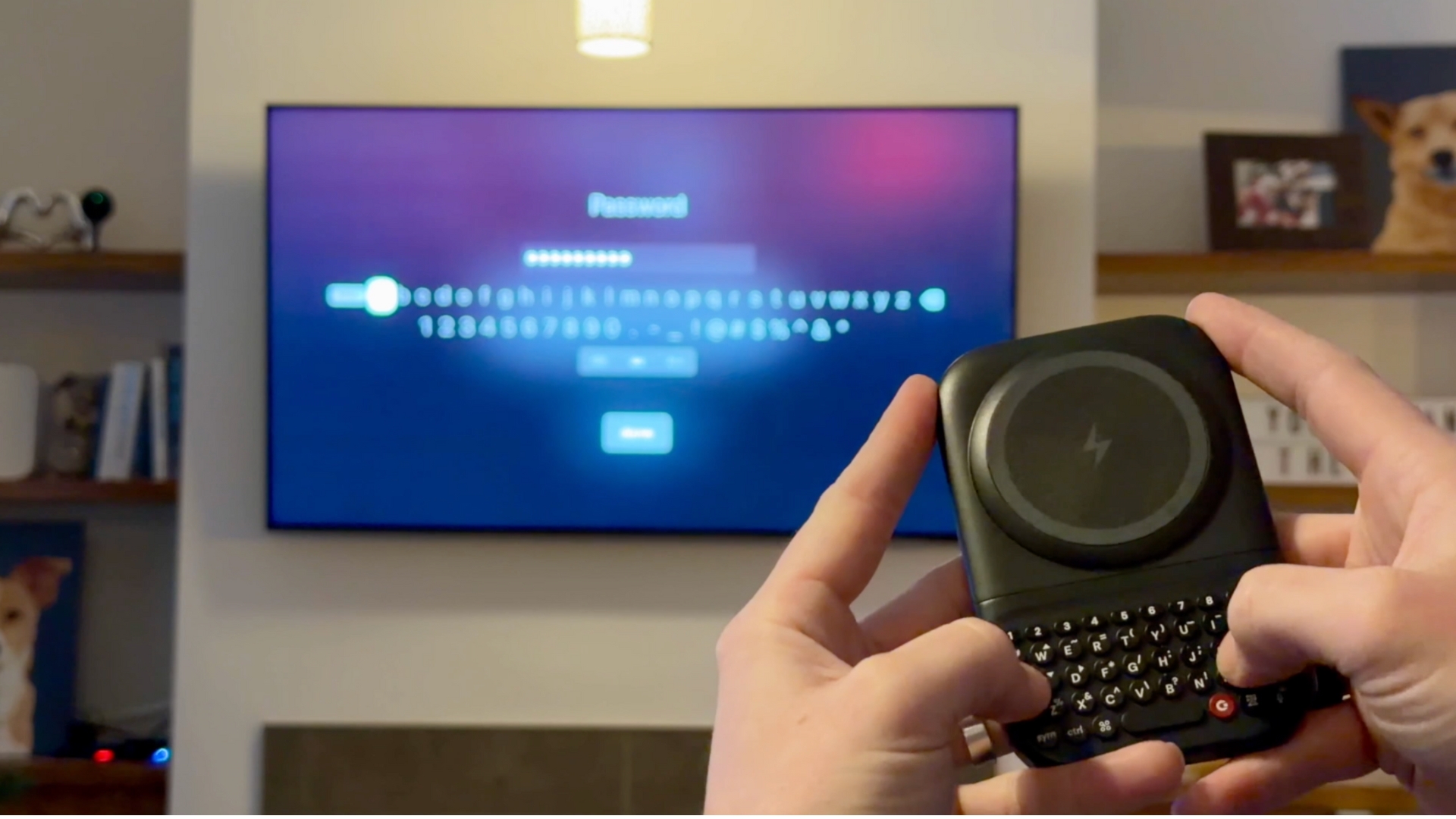
Connected to a smart TV, Power Keyboard replaces cumbersome on-screen keyboards and remotes, making tasks like entering passwords or searching for content fast and frustration-free.
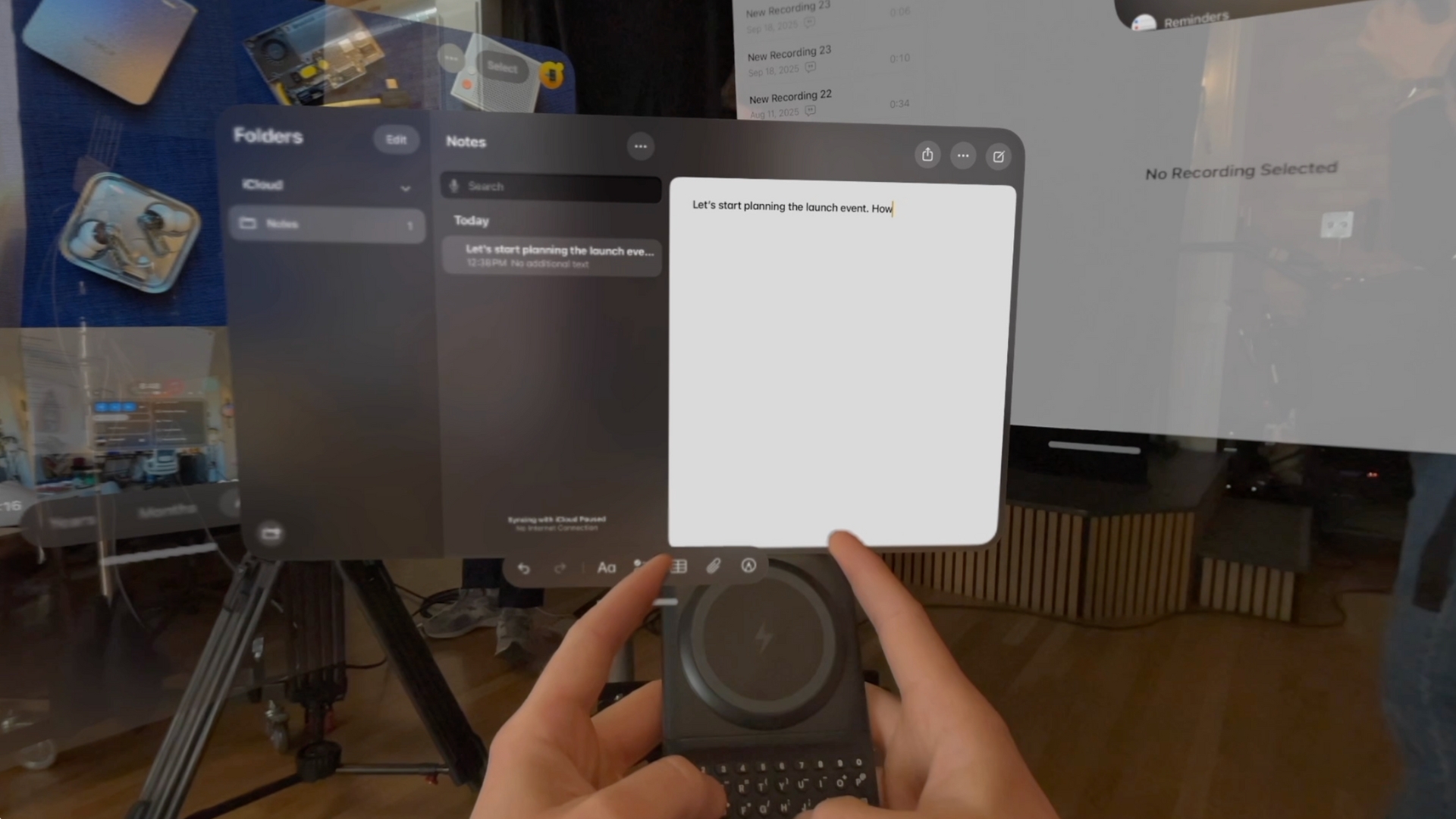
In AR and VR environments, where virtual keyboards often limit productivity, Power Keyboard delivers tactile feedback that enables more confident input, helping immersive devices move beyond passive experiences toward more purposeful use.
A Premium Pocket Keyboard, With Power When You Need It
At its core, Clicks Power Keyboard is designed around input first.
It features ergonomically shaped keys with optimized key pressure, an intuitive QWERTY layout, directional keys, and a dedicated number row, making tasks like entering phone numbers or editing spreadsheets faster and more precise.
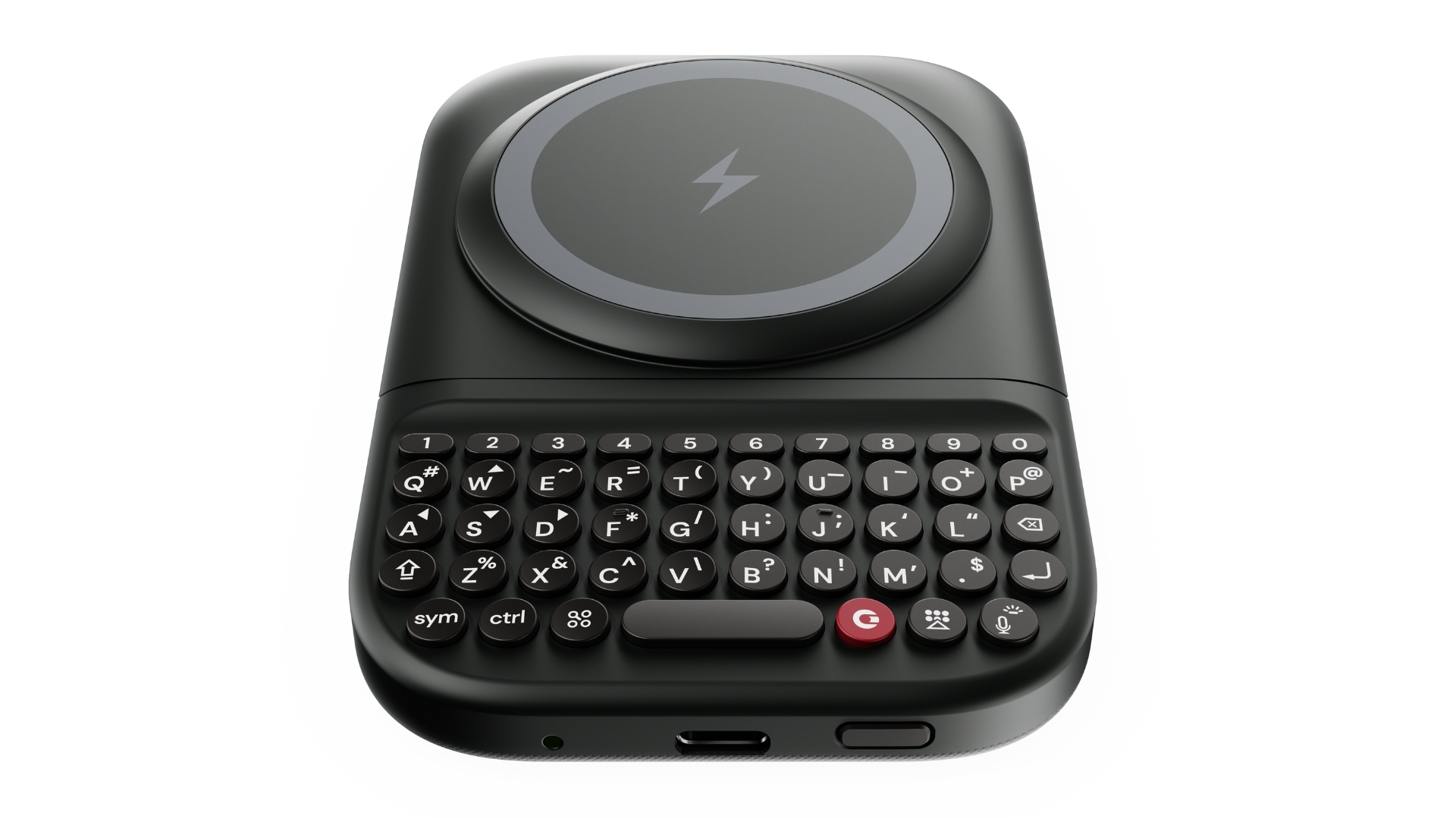
Power Keyboard also includes a built-in 2,150 mAh battery that powers the keyboard itself and can wirelessly top up a smartphone via MagSafe or Qi2 charging. This integrated battery ensures Power Keyboard is always ready when needed, while adding practical utility when connected to a smartphone.
“Carrying a power bank has become second nature, but most are single-purpose accessories,” said Michael Fisher, co-founder of Clicks Technology and YouTube tech reviewer (MrMobile). “Power Keyboard earns its place by doing something more fundamental, making it easier to interact with the devices you already rely on across your ecosystem.”
Designed for Multi-Device Use
Clicks Power Keyboard can be paired with multiple devices at once and makes it easy to switch between Bluetooth profiles using a simple keyboard shortcut, allowing users to move effortlessly from phone to tablet to TV.
The keyboard can also be customized using the Clicks app, available on iOS and Android. The app enables personalization of settings such as key behavior, backlighting, and typing preferences.
Pricing and Availability
Clicks Power Keyboard pre-orders begin January 2, with availability expected in the spring.
- Early-bird price: USD $79
- MSRP: USD $109
Experience Clicks at CES 2026
Clicks will showcase Power Keyboard at CES 2026 in Las Vegas, January 6–9, beginning with the ShowStoppers press event on January 6. Media interested in hands-on demos or briefings can contact press@clicks.tech.
Media Contact:
Press@clicks.tech
B-roll and imagery are available in the Clicks Press Kit: LINK
About Clicks Technology
Clicks Technology Ltd is a mobile company empowering people through purpose-built technology. After launching the Clicks Keyboard Case in 2024, Clicks has shipped over 100,000 keyboards for iPhone, Google Pixel and Motorola Razr, with customers in more than 100 countries. Introduced in 2026, Clicks Communicator and Clicks Power Keyboard enable people to cut through the noise and do more on the go. Founded by a team of creators and technologists with decades of experience at some of the world’s most well-known mobile brands, Clicks is passionate about building products to help people take action. For more information on Clicks, visit: clicks.tech.
Photos accompanying this announcement are available at:
https://www.globenewswire.com/NewsRoom/AttachmentNg/eac67160-71ed-4bfe-9975-4d45d6256602
https://www.globenewswire.com/NewsRoom/AttachmentNg/3db3d5db-c26e-4590-99d8-0682533e5267
https://www.globenewswire.com/NewsRoom/AttachmentNg/e6c4a753-ad14-4fe2-9432-5421cccf9a68
https://www.globenewswire.com/NewsRoom/AttachmentNg/7fa5f4c2-75c1-4d50-a94a-ea34e0833635
https://www.globenewswire.com/NewsRoom/AttachmentNg/042181e1-f455-4324-80ef-7f2b801840b2
https://www.globenewswire.com/NewsRoom/AttachmentNg/0f9141b9-8d9d-4dd5-ab72-1df7616ad79a
https://www.globenewswire.com/NewsRoom/AttachmentNg/7ab43e9b-e5af-42d8-a70c-d5ff545a36cb
https://www.globenewswire.com/NewsRoom/AttachmentNg/7b826d94-bef3-40f9-a77f-bdbd2e17a69c
A Video accompanying this announcement is available at:
https://www.globenewswire.com/NewsRoom/AttachmentNg/a782eacd-3446-4a99-8a31-b9ec8882ae6d
